
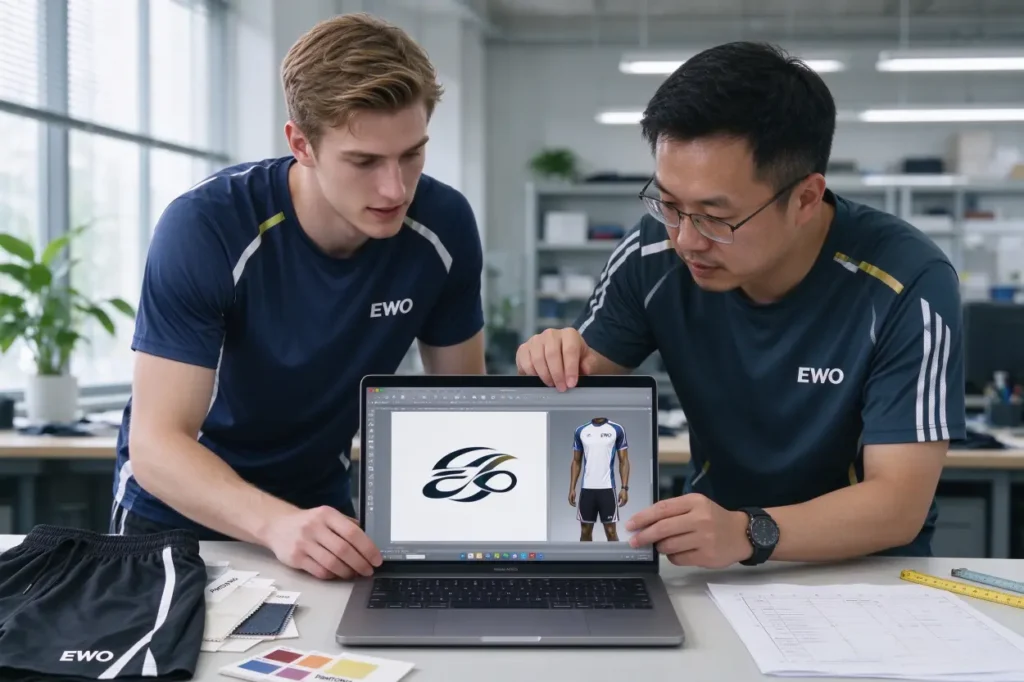
Most delays I see start with the wrong file. The best way to prepare artwork files for custom sportswear logos is to choose the logo application process first, then build the file to fit that process’s limits. Otherwise, tiny details drop out, colors shift, or sampling restarts, burning time and budget.
To prepare artwork files for custom sportswear logos, pick the application process upfront (screen print, heat transfer, silicone/3D badge, or embroidery), then align vector structure, color standards, and minimum size to that process. Submit vector files with outlined fonts, Pantone colors, 1:1 scale, a placement mockup, and confirm thresholds with your vendor before sampling.
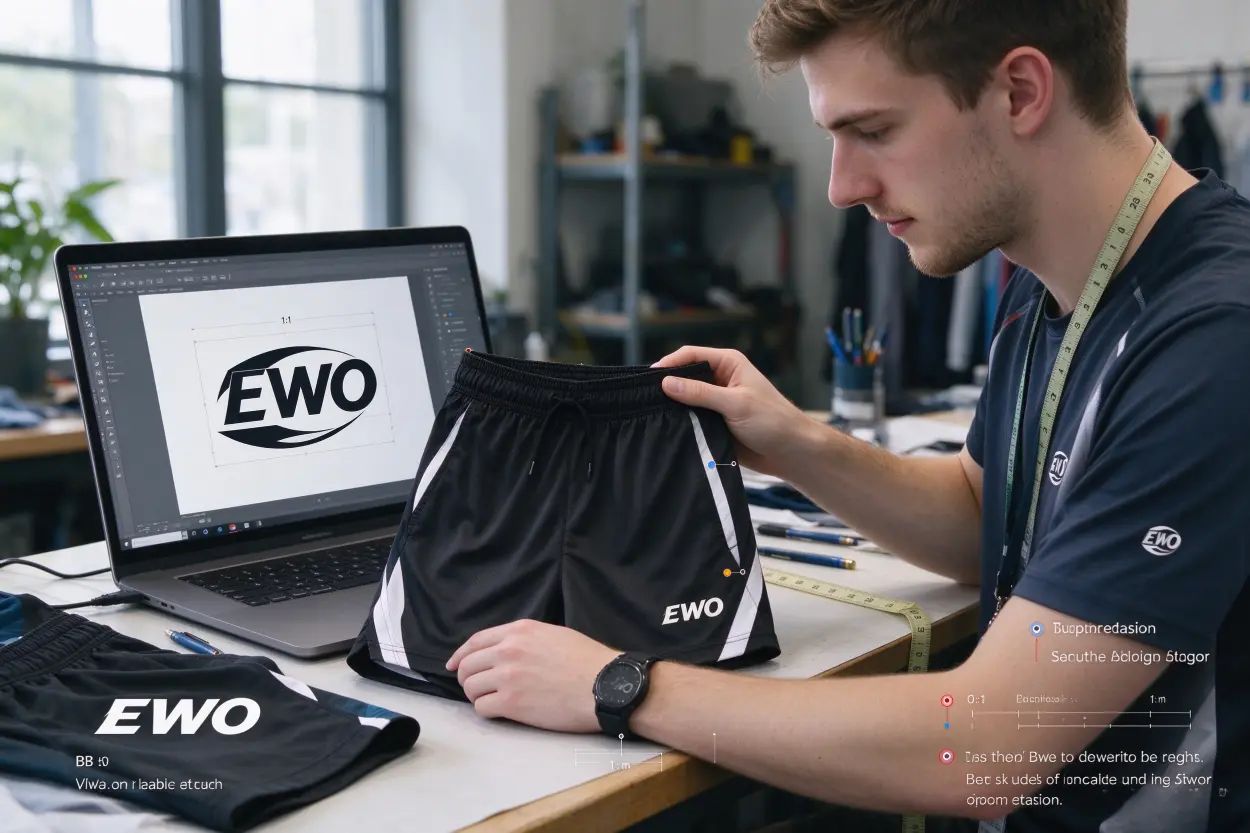
You’ll find the steps below arranged by process because that’s how production works. I’ll walk through what to send, why it matters, and where brands lose time. I’ll also share factory notes from our lines so you can avoid the usual pitfalls.
Which process should you pick before you prepare artwork files for custom sportswear logos?
Many teams jump straight to sending a file. The faster path is picking the process first. A logo on stretchy running shorts needs different prep than a badge on a board short. The wrong process causes rework, heavier handfeel, and premature wear.
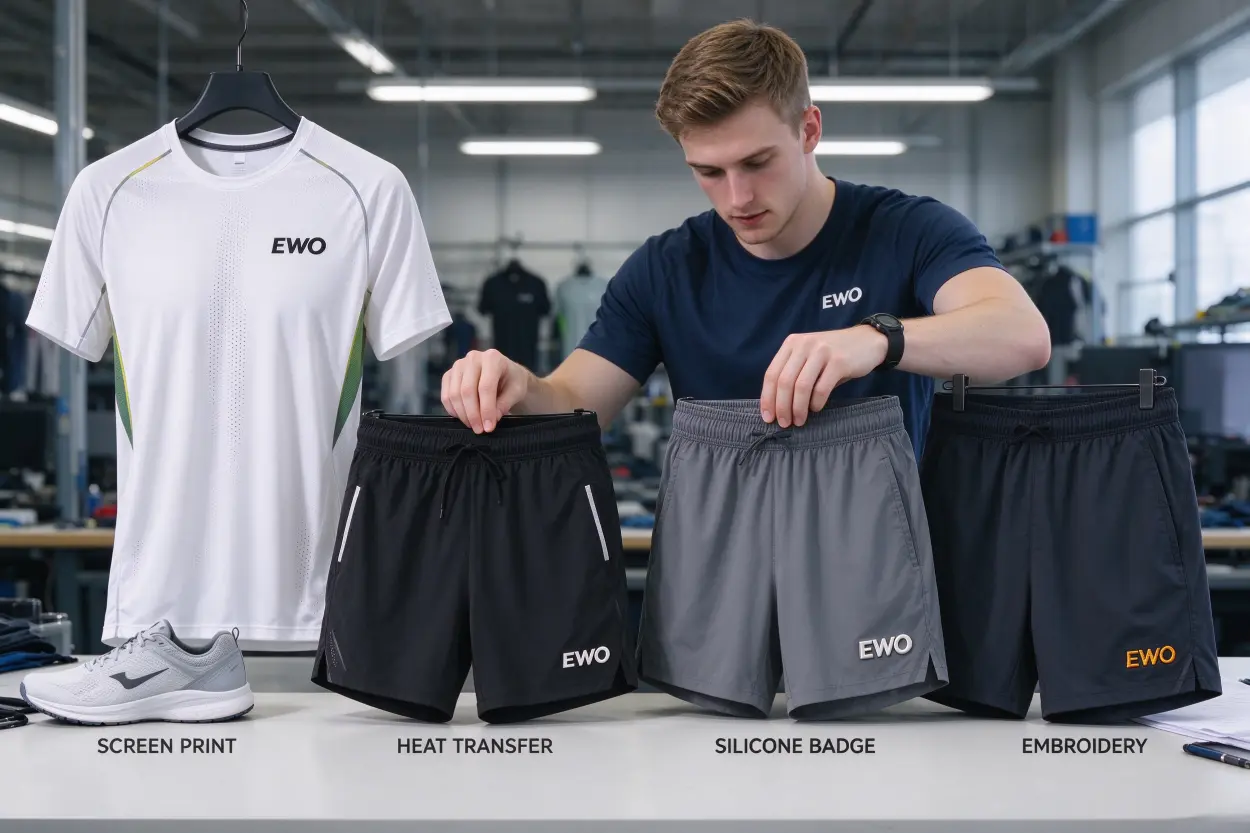
A good answer looks like this: screen print for breathable tees, heat transfer for fine multi-color logos on flexible shorts, silicone/3D for premium raised branding, embroidery for classic looks on stable fabrics. Choose based on fabric, placement, size, durability target, and logo complexity.
Dive deeper
I treat process selection as a procurement decision, not a design preference. The choice drives cost, lead time, and risk of failure on fabric. Here is how I frame it with a buyer:
- Fabric and finish
- High-stretch poly-spandex shorts: heat transfer or silicone badge often outlast screen print in high-flex zones.
- Textured or brushed fabric: avoid tiny heat-transfer islands; embroidery or a larger silicone patch performs better.
- Placement and movement
- High-sweat, high-flex zones (like side panels or waistbands): prioritize transfers or silicone with rounded corners and robust adhesive.
- Low-flex zones (like lower thigh on woven board shorts): screen print or badge can work.
- Durability and handfeel
- Need super-light handfeel on tees: fine-gauge screen print or thin-film transfer.
- Need abrasion resistance: silicone/TPU badges or embroidery.
- Logo complexity and size
- Micro-details and small type: digital/print transfer or a simplified badge.
- Thick, bold marks: screen print or embroidery.
- Budget and scaling
- Screen print suits larger runs with limited colors.
- Digital transfers handle many colors without multiple screens.
- Silicone/3D badges add cost but elevate perceived quality.
A real example: a brand sent a tiny, multi-color crest for a 2-in-1 running short. They assumed screen print. On our stretch fabric, the thin outlines would crack at the side seam. We moved them to a heat transfer with a rounded cut path. The detail survived, the handfeel stayed light, and sampling stayed on schedule.
When you email your factory, state explicitly:
- Chosen process = X
- Garment fabric and finish
- Placement and target size (mm/in)
- Wash and durability expectations (e.g., 20 home washes, gym use, etc.)
This tells me what constraints we are solving for and lets me confirm or suggest alternatives early.
What are the non-negotiable standards when you prepare artwork files for custom sportswear logos?
Most issues start with file intake. If you send a raster JPG for embroidery or a CMYK file for screen print spot colors, someone must redo work. That delays sampling by days and risks interpretation errors.
Baseline requirements:
- Vector artwork (AI, EPS, PDF, SVG)
- Fonts outlined
- Clean paths (no stray points)
- 1:1 scale with dimensions
- Placement mockup with measurements
- Colors called with Pantone codes or approved swatches
- Garment color and fabric noted
Dive deeper
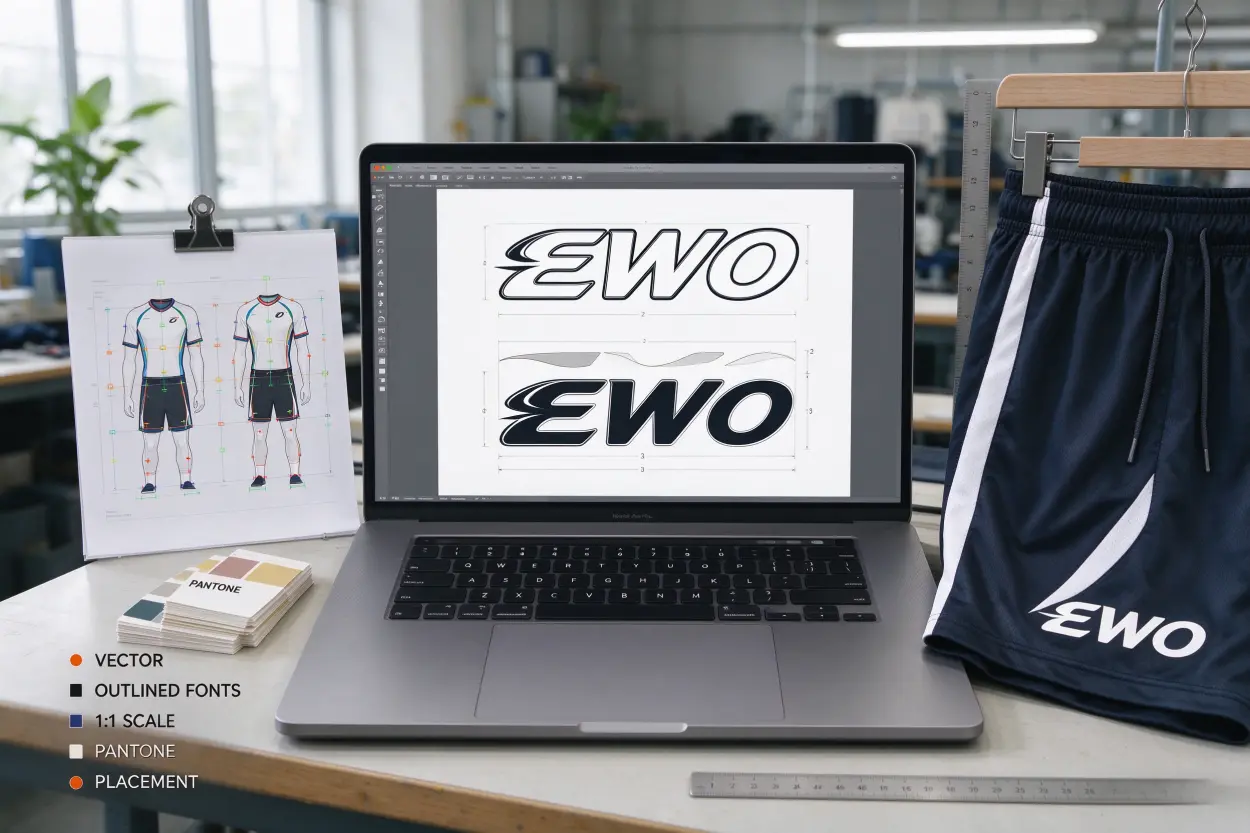
In our factory, this is the intake checklist we use before we open Illustrator:
- Vector file formats: AI, EPS, vector PDF, or SVG
- If raster elements are unavoidable for a specific transfer process, supply a high-resolution image and a separate vector cut/underbase path; confirm resolution with your vendor.
- Fonts: convert to outlines; include font files only if we are allowed to adjust.
- Paths: remove stray points, duplicate shapes, invisible objects; ensure shapes are closed.
- Scale: submit at 1:1 scale; include width/height in mm or inches.
- Placement: supply a mockup on the actual garment with exact placement measurements (e.g., 60 mm wide, 25 mm from side seam).
- Color standards:
- Provide Pantone codes for each color.
- If Pantone is not used, send a physical swatch or approve a printed reference.
- Note garment color and fabric, as this affects underbase and perceived color.
- Safe area/minimum size:
- Mark your minimum letter height and line weight based on vendor feedback.
- Different vendors, screens, or films have different thresholds; get numbers validated.
- Notes:
- Add process intent (screen print/transfer/silicone/embroidery).
- Provide wash durability expectations and any compliance notes.
Two common pain points:
- Raster-only logo files: We often redraw them in vector. That adds 1–2 days and introduces interpretation risk. If you only have a raster logo, tell us now. We will confirm whether your chosen process allows it and who redraws it.
- Hidden underbases: On dark garments, transfers and screen prints need underbases. If you do not call it out, the print can look dull or shift in hue. We check this, but calling it saves revisions.
We run samples in 8–10 working days after approval. File resets can push you beyond that and into the next week or two, particularly if you also need to courier physical strike-offs for color approval.
How do you prepare artwork files for custom sportswear logos using screen print?
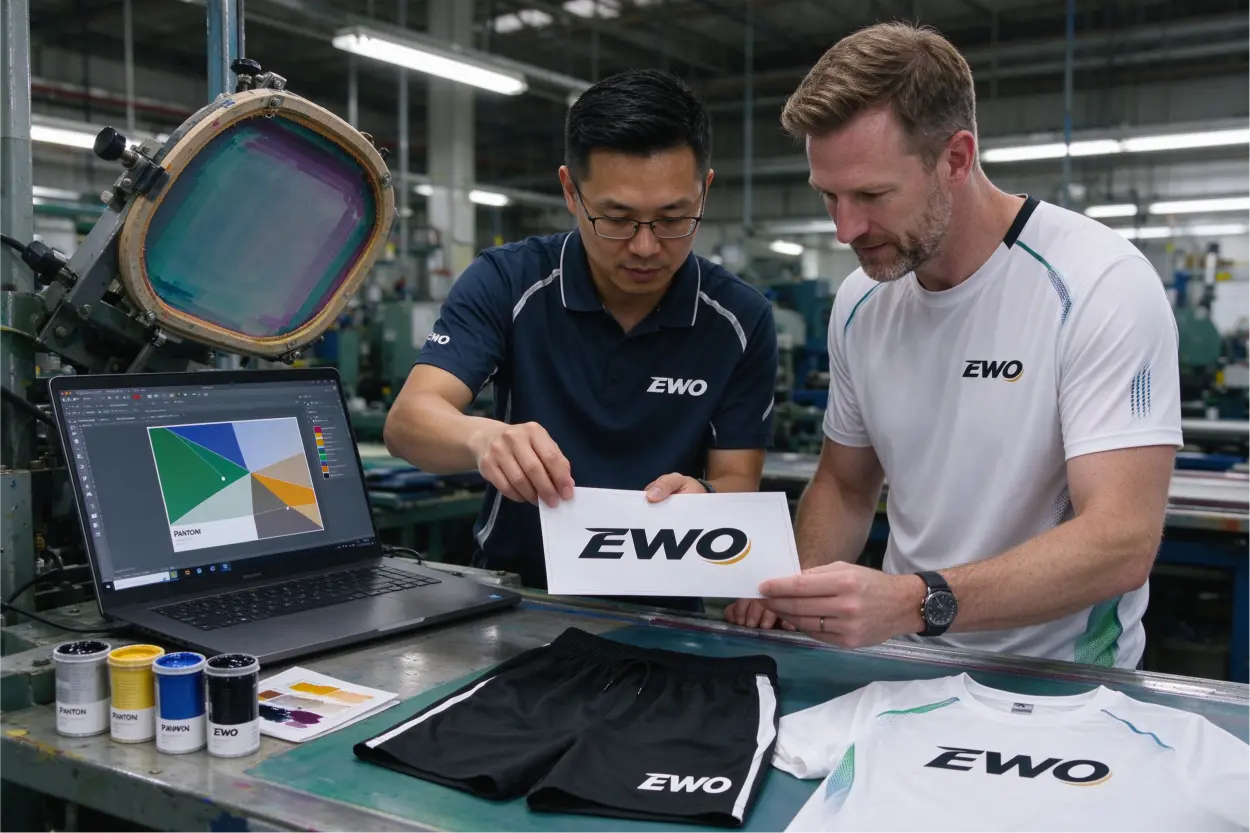
Screen print loves bold, simple art but punishes tiny details. The wrong separations or RGB colors can ruin approvals. If your fabric is stretchy, unplanned cracking can appear.
Provide spot-color vector separations, labeled layers, and Pantone callouts. Note any underbase for dark fabric. Avoid micro-serifs and tiny halftone dots. Confirm registration tolerance and request a test swatch for gradients or halftones.
Dive deeper
Screen printing on sportswear is a balancing act between color accuracy, stretch, and durability. Here is how I guide brands:
- Color mode and separations
- Build the art in spot colors, not RGB/CMYK.
- Label each spot color with its Pantone code.
- Include an underbase layer for dark garments and name it clearly.
- Registration and trapping
- Ask your vendor for registration tolerance and trapping requirements; these vary by screen mesh and press.
- Apply trapping only after the vendor confirms numbers; over-trapping can cause muddy edges.
- Detail control
- Avoid tiny serifs and thin lines that will close up.
- If you must keep fine detail, plan for a test screen and strike-off.
- Halftones and gradients
- If gradients are essential, agree on halftone dot size and line screen with your printer.
- Request a swatch print to approve the gradient on your fabric before bulk.
- Underbase on darks
- Call out the underbase explicitly.
- Understand that underbases can change handfeel and perceived color; confirm you accept the trade-off.
Factory note: We once received a small logo with a smooth grey gradient intended for black training shorts. The client assumed CMYK would print as seen on screen. Our screen team flagged it and proposed a halftone. The strike-off looked fine on card stock but looked too dark on fabric due to absorbency and underbase compression. We adjusted dot size and re-ran. That rework would have been avoided if gradients were flagged and tested upfront.
Tip: For high-stretch placements, consider a light transfer instead of a thick screen on elastane blends. If you stay with screen print, specify a stretch ink system and approve the feel.
How do you prepare artwork files for custom sportswear logos for heat transfers?
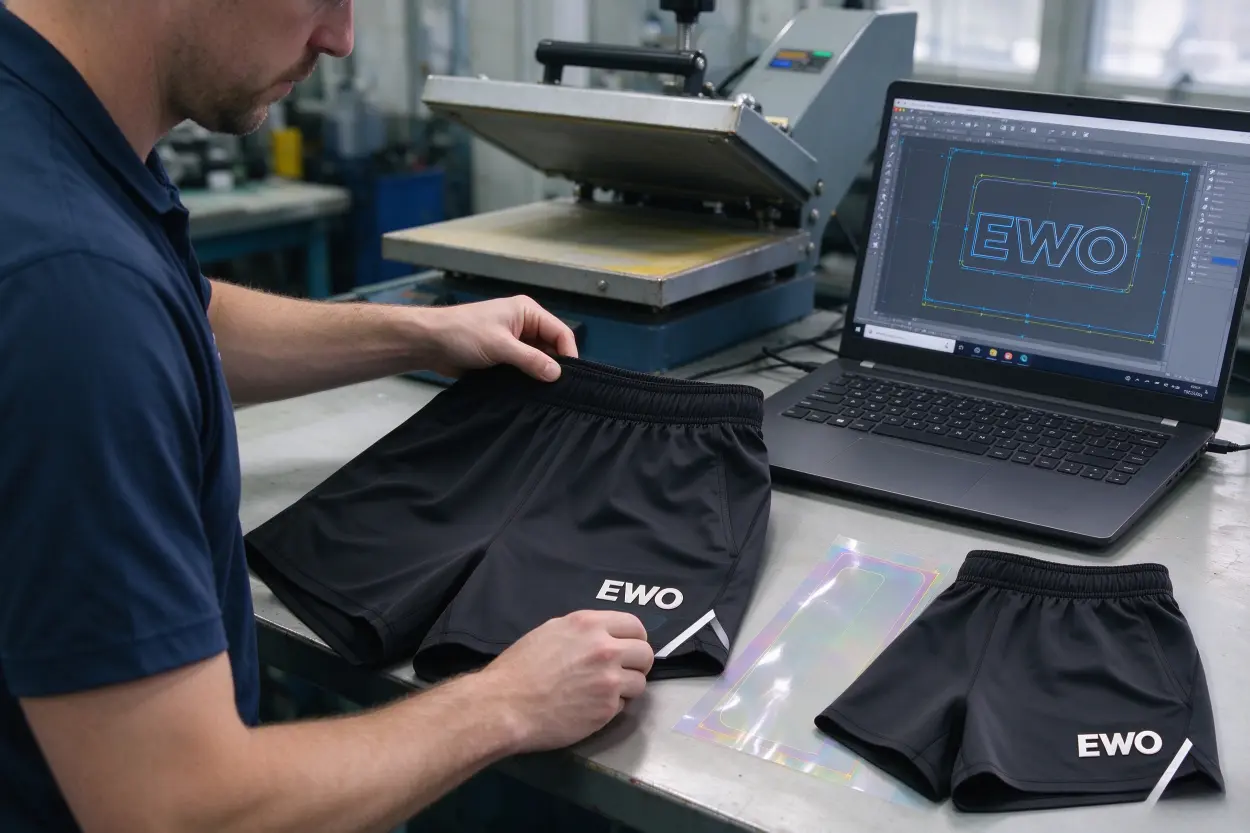
Heat transfers handle complex, multi-color logos and small sizes, but they hate sharp corners and tiny floating islands. Poor cut paths and no bleed show white edges and peeling.
Provide a vector cut path, include bleed to avoid white edges, round sharp corners, and avoid micro-islands. State the pressing window (temp/time/pressure) and garment fabric so your vendor can validate adhesion.
Dive deeper
Heat transfers are my go-to for elastic shorts and detailed marks, but prep must be precise:
- Cut path and bleed
- Supply a vector cut path around the art.
- Add bleed so slight misalignment does not reveal white or garment edges.
- Corner geometry
- Round sharp corners to reduce edge lift over time; tiny points lift first in the wash.
- Weedability and islands
- Avoid tiny isolated elements that are hard to weed and weak in laundry.
- If the logo requires counters (holes) inside letters, test a strike-off at the intended size.
- Underbase and garment color
- On dark garments, confirm if an underbase is needed and how it affects handfeel.
- Pressing window and fabric
- Provide expected pressing temperature, time, and pressure from your transfer vendor.
- Note fabric composition and finishes (DWR, anti-pilling, etc.) so we can validate or adjust.
- File specifics
- For digitally printed transfers, send the raster artwork at vendor-validated resolution along with the vector cut path and color targets.
- For solid-color films, keep vector art in spot colors.
Real-world example: A startup sent a perfectly aligned digital transfer file but no bleed. On black running shorts, tiny misalignment revealed a sliver of white edge. We adjusted the file and re-cut, but the sampling window extended by three days. Now I always ask for 0.5–1 mm bleed (vendor-validated) and rounded corners unless branding prohibits it.
Pro tip: State wash expectations upfront. If the logo must withstand 20+ washes at 40°C, we will stress-test the adhesive on your fabric before bulk.
How do you prepare artwork files for custom sportswear logos for silicone or 3D badges?
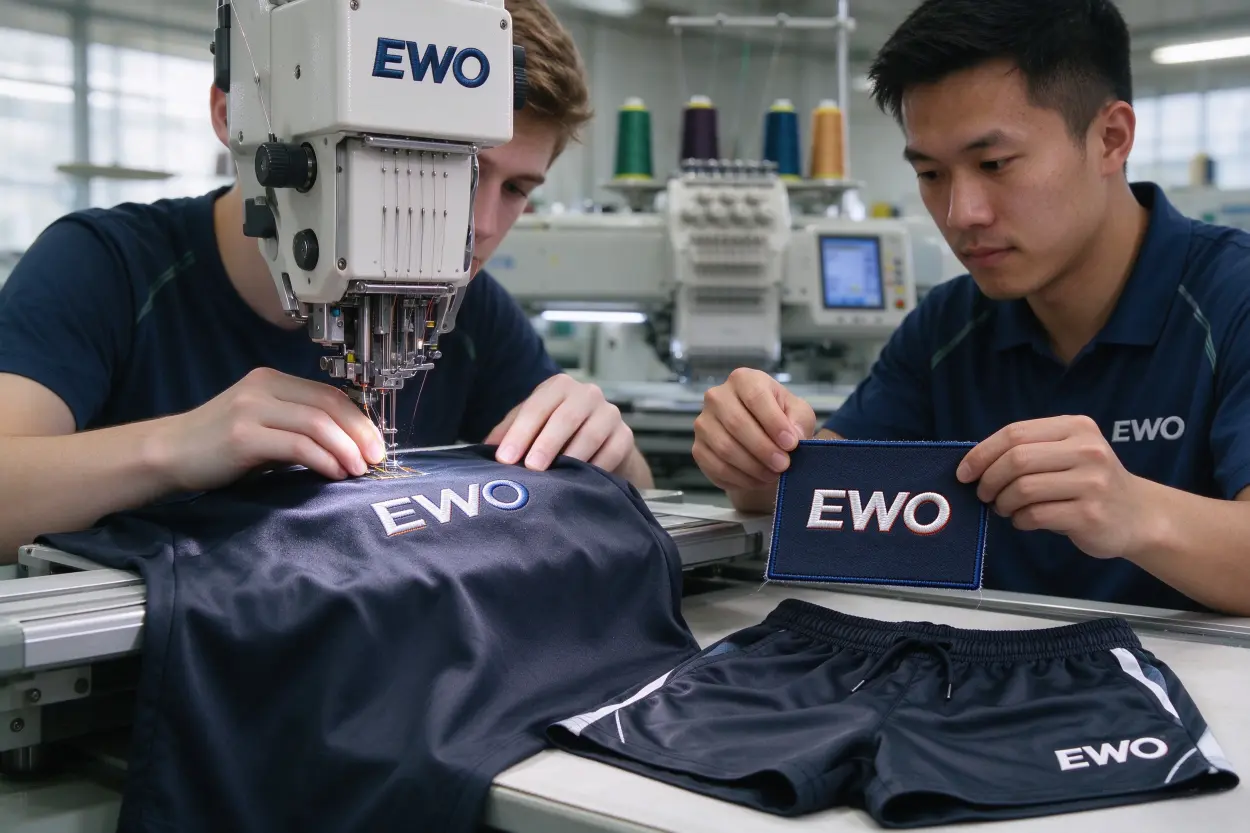
Silicone and 3D badges elevate perceived quality but punish micro-detail and sharp internal corners. Thin bridges and tiny lettering do not mold cleanly or withstand abrasion.
Simplify details, define relief layers clearly, label top/side/base, fillet internal corners, and ensure robust letter gaps. Note adhesive backing type and garment surface for bond checks.
Dive deeper
A raised badge looks premium on athletic shorts and board shorts, but it requires clarity in the file:
- Relief and layers
- Submit a vector drawing with labeled relief levels (e.g., base, mid, top).
- Provide a cross-section diagram if possible; it speeds tooling.
- Structural integrity
- Thicken internal bridges; avoid razor-thin connections that tear during demolding.
- Fillet internal corners to reduce stress concentration.
- Text and gaps
- Convert text to shapes and remove micro-counters that collapse.
- Increase letter spacing if the gap will be molded; confirm minimum gap with your vendor.
- Adhesive and surface
- Specify adhesive backing (e.g., heat-activated, pressure-sensitive) based on garment fabric.
- Mention the garment surface texture so we can check bond strength.
- Color and finish
- Provide Pantone targets; note that neons, metallics, or deep blacks might not match perfectly in silicone compounds.
- Approve a physical badge swatch in neutral lighting.
Anecdote from our line: We had a clean badge design fail because the inner stroke was ultra-thin. On the first tool, those lines rounded off and lost definition. We thickened the stroke and added fillets. The resampled badge matched intent and passed abrasion tests. That adjustment took two extra days. Clear relief notes and robust minimums would have prevented it.
Buyer note: Silicone adds cost and lead time but pays off in durability and brand feel. For woven fabrics like board shorts, it’s a strong choice. For super-stretch panels, confirm flexibility in a strike-off.
How do you prepare artwork files for custom sportswear logos for embroidery?
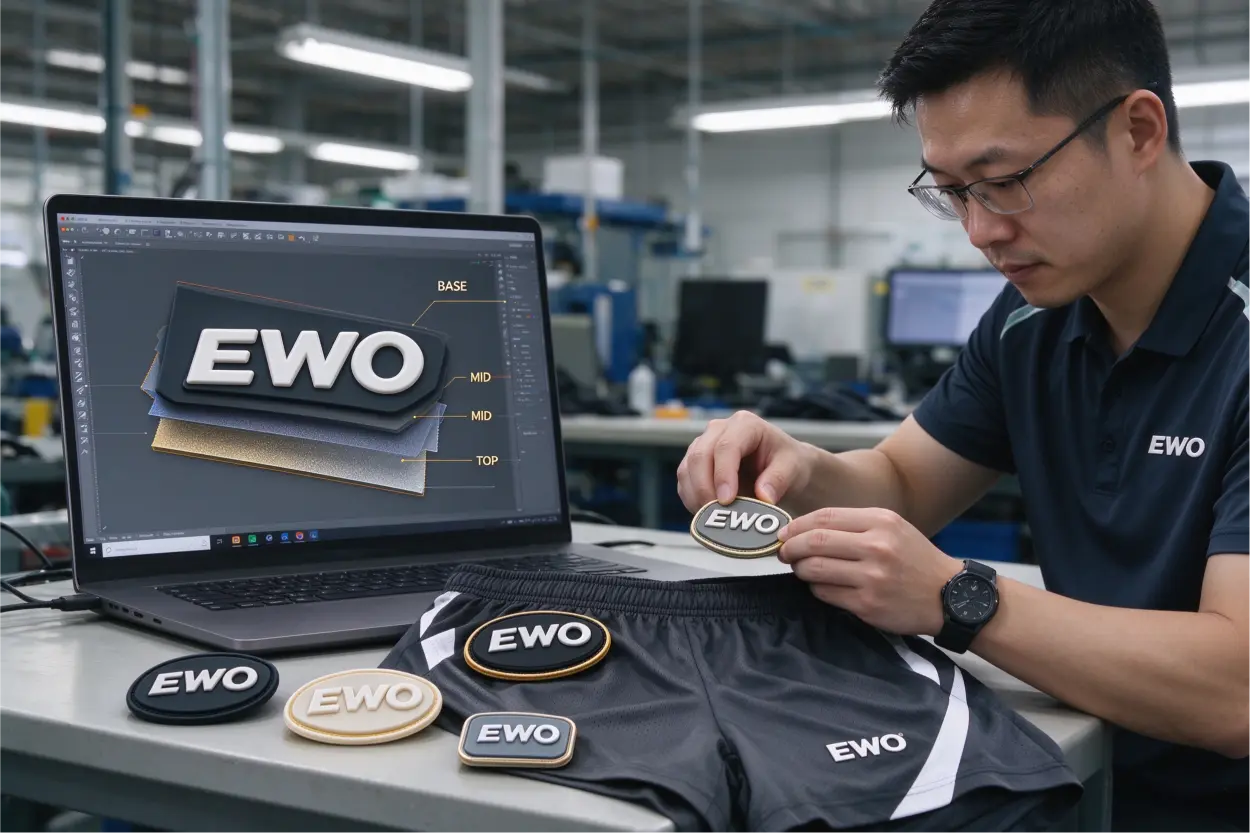
Embroidery gives a classic look but flattens micro-detail. Thin strokes and tiny counters close up on most fabrics. Incorrect prep causes thread breaks and messy edges.
Simplify shapes, remove micro-details, and convert text to shapes. Plan satin vs. fill areas. If no DST is provided, send vector art for digitizing along with thread brand/codes and any 3D/puff intent.
Dive deeper
Embroidery is less about vector perfection and more about stitch planning:
- Artwork simplification
- Remove micro-details that stitches can’t render.
- Merge tiny shapes or convert to negative space.
- Text handling
- Convert to outlines.
- Increase letter height based on vendor-validated minimums to avoid closed counters.
- Stitch strategy
- Identify satin-stitch areas versus fill-stitch regions.
- If you want 3D/puff embroidery, call it out so foam layers and stitch density are planned.
- Digitizing
- Provide a vector file for digitization if you don’t have a DST file.
- Indicate thread brand and codes for color consistency (e.g., Madeira, Gunold).
- Fabric consideration
- On stretchy or thin fabrics, embroidery can cause puckering; backings and stabilizers may be required.
- For heavy woven shorts, embroidery maintains shape nicely.
Factory note: One frequent issue is a small embroidered crest with intricate inner lines. In sampling, the stitches merged and closed the negative spaces. We simplified the art and increased letter heights after client approval. Sampling continued without another delay because the buyer accepted that embroidery has physical limits.
If you must protect fine detail, consider a small heat transfer instead. We can still elevate the look with a matte film to mimic a subtle badge.
How do you lock color on fabric for custom sportswear logos?
Color drifts on fabric. Screens, films, silicone compounds, and threads all interpret color differently. Without standards and approvals, bulk orders become inconsistent across runs.
Declare Pantone targets or supply a physical swatch. Tie color expectations to the selected process. Approve photos of strike-offs in neutral light or mailed swatches before bulk. Set realistic expectations for neons, metallics, and deep blacks.
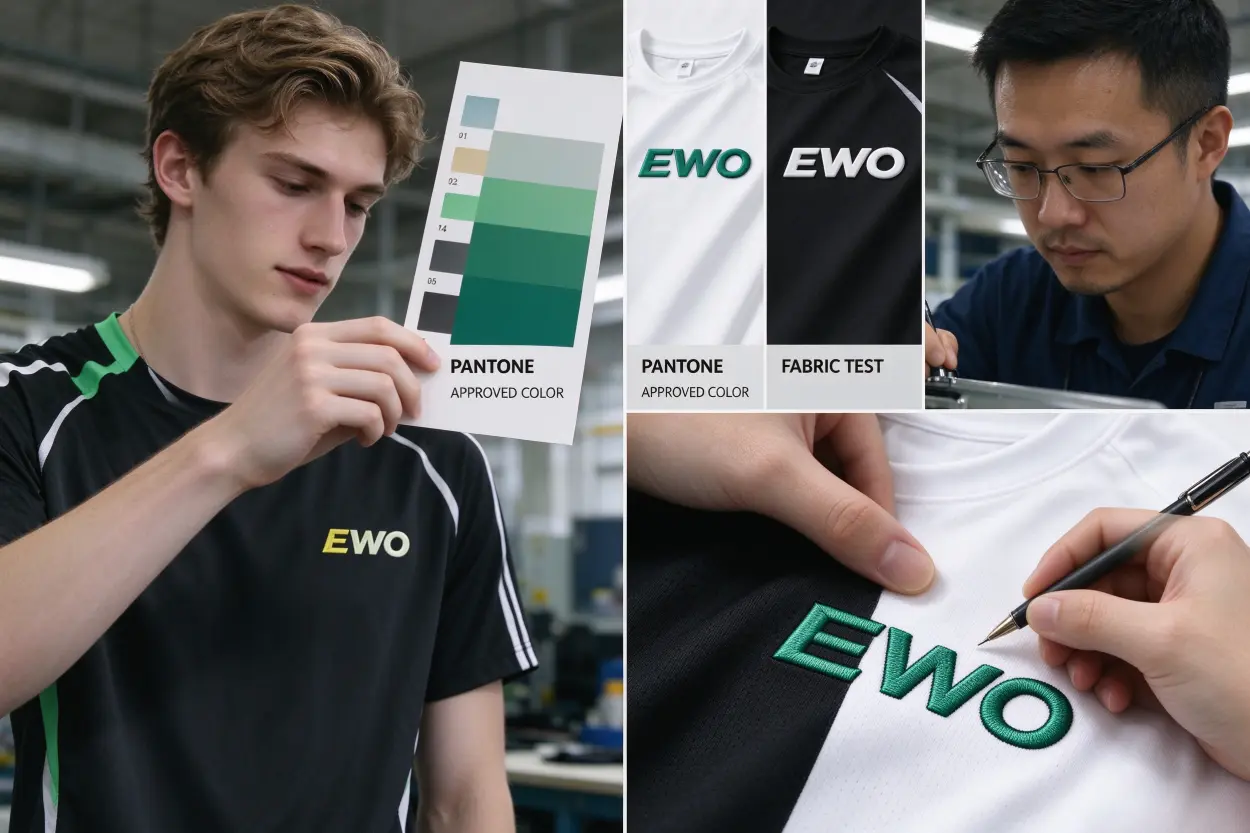
Dive deeper
Color management is where most surprises happen:
- Pantone first
- Always specify Pantone codes for prints and transfers.
- For silicone or embroidery, align with available pigment or thread libraries; map to the closest Pantone for reference.
- On-fabric reality
- The same Pantone looks different on bright white tees versus black shorts.
- Underbases for dark garments alter perceived color; call them out and approve on the actual fabric.
- Approvals
- For screen and transfer, approve a strike-off on your garment fabric.
- For silicone badges or embroidery, approve physical swatches or high-quality photos in neutral light.
- Special effects
- Metallics and neons: processes differ in their ability to hit these; confirm feasibility before committing.
- Deep blacks: note whether a double-hit or underbase is required; accept handfeel changes if needed.
We had a case where an uncalled-for underbase shifted a royal blue toward a brighter tone on black training shorts. Our screen team flagged it. We ran two strike-offs—one with, one without an underbase. The buyer picked the underbase version and adjusted the Pantone. That decision stabilized color in bulk and prevented returns.
Include the garment color and finish in your file handoff. It helps us predict the underbase and ink system, which drives color outcomes.
What must your handoff include when you prepare artwork files for custom sportswear logos?
Incomplete handoffs trigger back-and-forth emails and move sample dates. A tight handoff gives the factory everything needed to separate colors, tool badges, or digitize stitches without guesswork.
Include the chosen process, vector art, placement mockup, Pantone codes, garment fabric and color, target size, minimum size assumptions, and wash durability expectations. Ask for vendor-validated thresholds and a strike-off.
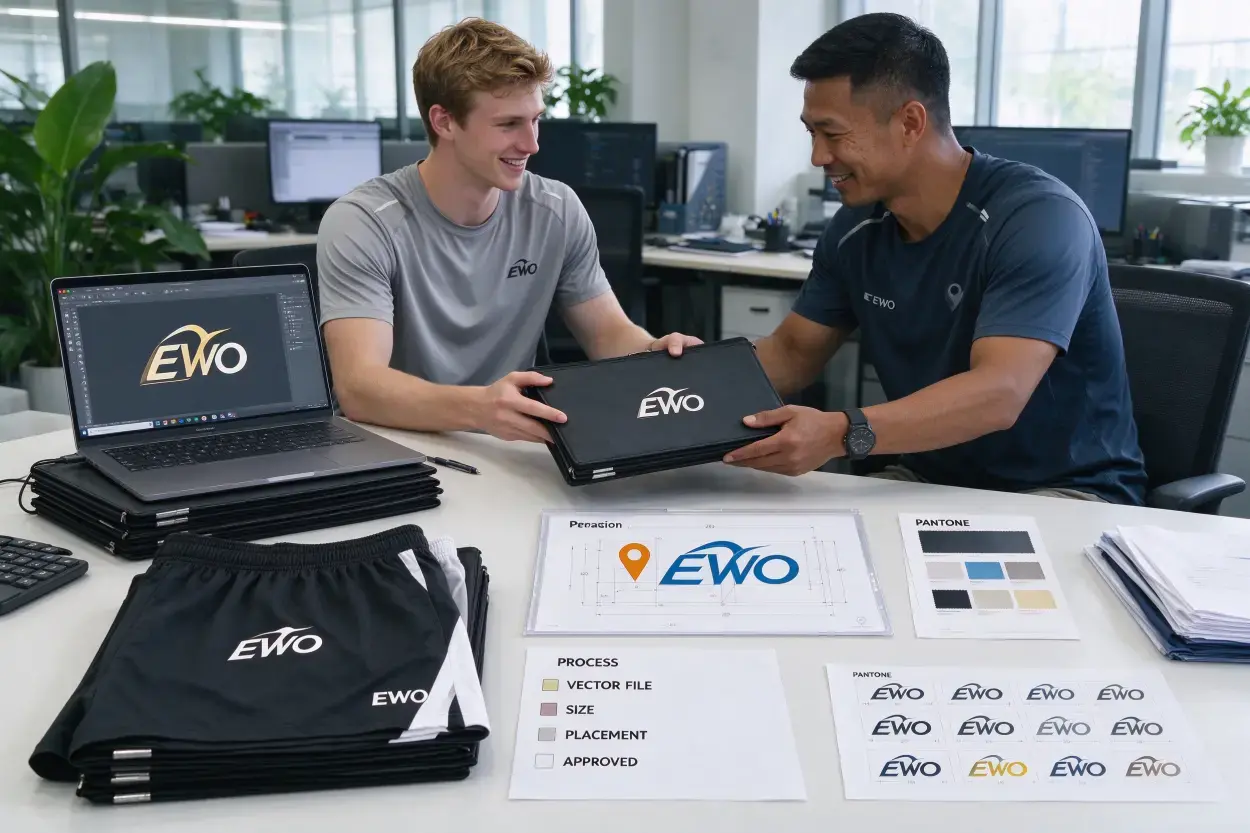
Dive deeper
Use this practical checklist. It mirrors our intake steps at EWO and shortsoem.com:
- Process-first
- Chosen process: screen print / heat transfer / silicone badge / embroidery
- Reason: fabric, placement, durability goal
- Files
- Vector artwork (AI/EPS/PDF/SVG)
- Fonts outlined; clean paths; 1:1 scale
- For transfers: vector cut path + bleed; raster artwork only if process supports it
- Placement and size
- Mockup on garment with measured placement
- Target width/height in mm/in
- Noted safe area and minimum size assumptions
- Color
- Pantone codes or approved swatches
- Garment color and fabric noted
- Underbase requirement flagged for darks
- Process-specific items
- Screen: labeled spot colors, separations, registration notes
- Transfer: rounded corners, pressing window (temp/time/pressure), fabric info
- Silicone: labeled relief layers, fillets, adhesive backing type
- Embroidery: stitch plan intent (satin/fill), thread brand/codes, 3D/puff note
- QA and approvals
- Request vendor-validated minimums (line width, letter height, trapping, bleed)
- Request a strike-off or test swatch for gradients/halftones and adhesives
- Approve photos in neutral lighting or request mailed swatches
If you supply all of this when you submit artwork files for custom sportswear logos, sampling stays within our standard timeline—8–10 working days once everything is approved, plus 5–7 days by express shipping if we send physical strike-offs. Bulk stays on track (typically 25–30 working days), and the color is stable across repeat orders.
For reference on how we run projects end-to-end, you can review our production process page to plan approvals and logistics: https://shortsoem.com/production-process/
Process comparison at a glance
| Process | Best for | Risk factors | File prep highlights |
|---|---|---|---|
| Screen print | Bold logos on tees and stable fabrics | Fine detail loss, color shift on darks without underbase | Spot colors with Pantones; label separations; confirm registration and underbase |
| Heat transfer | Small, multi-color logos on stretch shorts | Edge lift, white edges, micro-islands | Vector cut path; bleed; rounded corners; pressing window + fabric |
| Silicone/3D badge | Premium raised branding on shorts | Micro-detail loss, weak bridges | Labeled relief layers; fillets; robust gaps; adhesive backing matched to fabric |
| Embroidery | Classic marks on stable fabrics | Puckering on stretch, closed counters | Simplify art; convert text to shapes; stitch plan; thread codes |
If you are deciding between two paths for your shorts, our team can advise within 24–48 hours. See our custom gym and running shorts capabilities here: https://shortsoem.com/custom-gym-running-shorts-manufacturer/
Frequently Asked Questions
Can I submit a high-resolution PNG instead of vector files?
For most processes, no. Screen print, silicone badges, and embroidery require vector artwork to control separations, tooling, and digitizing. Some digital heat transfers can accept raster art, but you still need a vector cut path and vendor-approved resolution. Ask your vendor which processes allow raster before you commit.
Do you have universal minimum line width or letter height?
No, because equipment and materials differ. We always provide vendor-validated thresholds after reviewing your process, fabric, and placement. Treat online numbers as starting points only. The safe approach is to request a strike-off at your final size and adjust if anything fills in or breaks.
How do I get consistent colors across tees and shorts?
Declare Pantone targets, approve strike-offs on each fabric type, and document underbases. Expect slight variation due to fabric and ink systems. For silicone and embroidery, align to available compounds or thread libraries and approve physical swatches. Keep your approvals on file for repeat orders.
Should I include pressing instructions for heat transfers?
Yes. Include the recommended temperature, time, and pressure from your transfer supplier and note your fabric type. We validate on our presses and adjust only with your approval. This prevents under- or over-bonding and ensures the logo survives washing.
What if I only have a JPG logo?
Tell your factory immediately. We can redraw it into vector, but this adds time and cost and may require your approval on the redrawn shapes. For sensitive details, consider simplifying the design or choosing a process like digital transfer that tolerates raster (with a vector cut path).
Conclusion
Preparing artwork files for custom sportswear logos is a process-first decision. Pick the application method, then align your vector structure, colors, and minimum sizes to that process. Submit clean files, mockups with measurements, and Pantone standards. Approve strike-offs on fabric before bulk. If you want practical feedback tied to your fabric and placement, send us your files and we will review them within 24–48 hours.
- Discuss your project: https://shortsoem.com/contact/
- Explore our custom gym and running shorts: https://shortsoem.com/custom-gym-running-shorts-manufacturer/
- See how we run OEM/ODM production: https://shortsoem.com/odm-oem/
If you are ready, email your artwork and a brief note with process intent, fabric, placement, and size. We will confirm thresholds and get your samples into the 8–10 day window.